
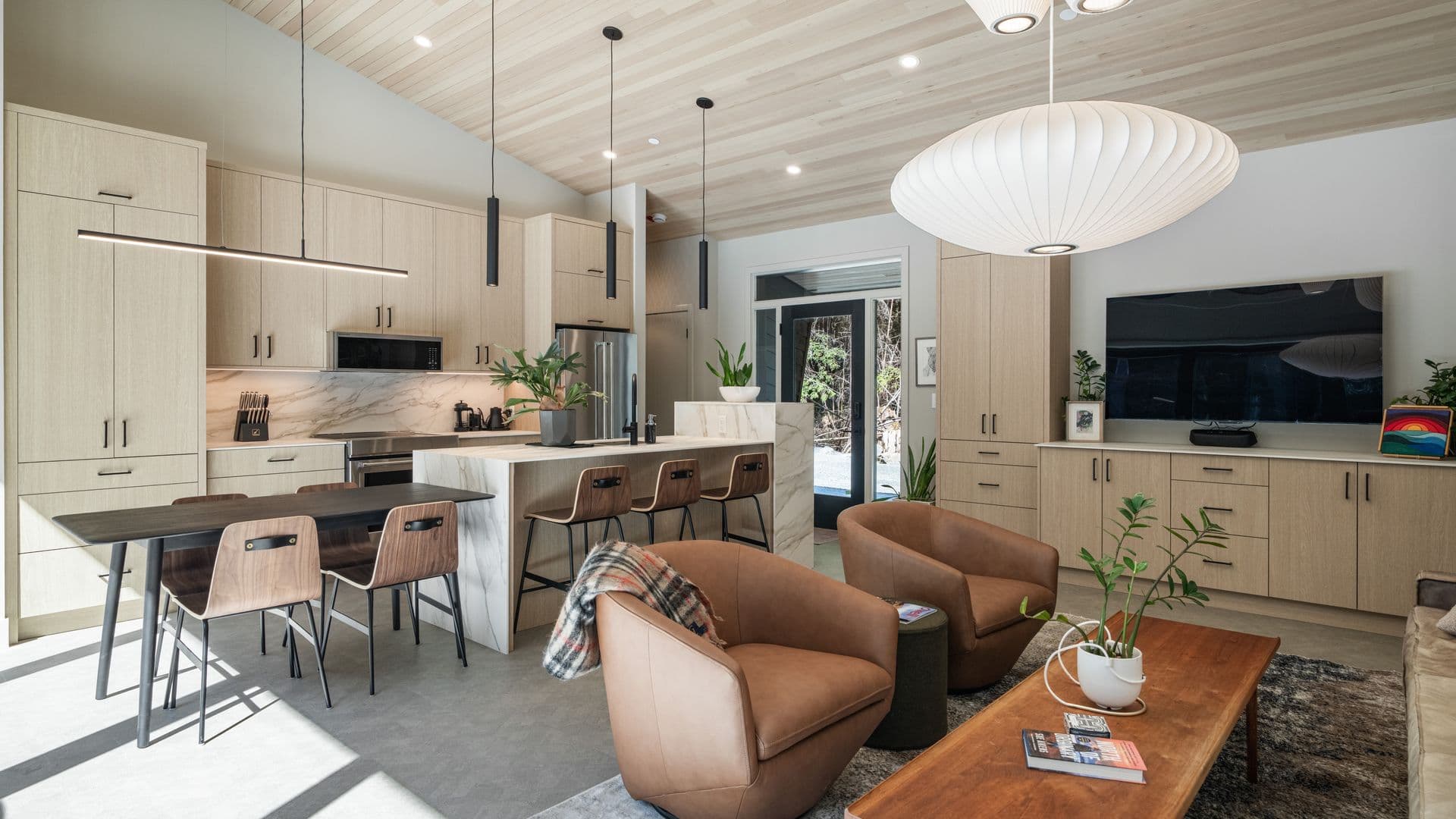
Virtual staging has been standard for listing photos for years. What's new is that the same idea now works inside your listing video. Instead of a camera gliding through bare drywall and echoing floors, buyers see a furnished home — with the sofa, bed and dining table moving naturally with the camera.
For vacant listings this matters more than most agents expect. An empty room on video is even harder to read than an empty room in a photo: there's nothing to give scale, the light looks flat, and viewers swipe away before the camera reaches the kitchen.
How AI video staging works
We start from real footage of the property — the same walkthrough we film for a property video tour. For each camera angle (one continuous shot of a room), the AI tracks the room's geometry and camera motion, places furniture that fits the room's scale, and renders it frame by frame so the pieces stay locked to the floor as the camera moves.
Our editors then review every angle for the things AI tends to get wrong: furniture that floats or drifts, pieces that block windows or doors, and scale that makes a room feel bigger than it is.
Which angles to stage
You rarely need to stage every shot. A typical vacant-home video has 12–20 angles, and the ones that benefit most are:
- Main living area — the room buyers judge the whole home by.
- Primary bedroom — a bed shows instantly whether a king fits.
- Dining area or open-concept space — shows how the space divides into zones.
- Awkward rooms — a small den or bonus room that buyers can't picture using.
- Decks, patios and rooftops — outdoor furniture turns square footage into lifestyle. Leave kitchens, bathrooms and hallways real. Staging them adds little and costs more.
What it costs
At Reshot, video virtual staging is $49 per angle. Staging the four or five key angles of a vacant home usually costs $200–$250 on top of the video — a fraction of physical staging, which typically runs into the thousands per month.
If a room still has leftover furniture or boxes, a full room clean-up for video is $45 per angle before staging. You can also restyle an occupied but dated room — swapping heavy traditional furniture for a modern, Scandinavian or luxury look.
AI video staging is an add-on, so it's ordered together with a video shoot rather than as a standalone product. See all options on our AI photo and video services page.
Photo staging vs video staging
| Aspect | Photo staging | Video staging |
|---|---|---|
| Price | $35 per image | $49 per angle |
| Where it's used | MLS, listing website, print | Video tour, Reels, YouTube, social |
| Turnaround | About 24 hours | Delivered with the edited video |
| Best for | Every vacant listing | Vacant listings marketed with video |
Many agents do both: stage the same three or four rooms in photos and video so the listing looks consistent everywhere buyers find it. Our earlier guide to AI listing upgrades covers the photo side in more detail.
Get better results: shoot for staging
AI staging is only as good as the footage underneath. A few things make a big difference:
- Clear the room completely. Even a single box or ladder forces a clean-up step.
- Shoot slow, steady movements. Smooth gimbal moves track far better than fast whips.
- Keep floors visible. The AI needs to see the floor plane to anchor furniture.
- Mention staging when you book so we plan angles for it. If you're preparing a home for a shoot, our photo shoot preparation checklist covers the rest.
Be transparent with buyers
Staged video must still show the real property. We only add furniture and décor — we never change walls, windows, flooring, views or finishes. Label staged footage clearly (for example, an on-screen "Virtually staged" note) and keep the unstaged footage available. Read our guide to virtual staging disclosure in BC before you publish.
Pair it with other AI upgrades
Staging works well alongside AI day-to-night video for the exterior and a vertical cut for social. A staged "before/after" clip also makes one of the strongest hooks for real estate Reels.
Ready to furnish an empty listing on video? Book your shoot and add video virtual staging at checkout.